
The platform exposes 29 tools. Each is listed with its inputs, scope and credit cost on the Docs page of your dashboard; this article is the map. The names below use dots; in an MCP client they appear with underscores (search_query), and over REST each maps to a path (/v1/search/query). All of them, free ones included, need an active plan; see MCP Credits, Plan and Billing.
Search and sourcing
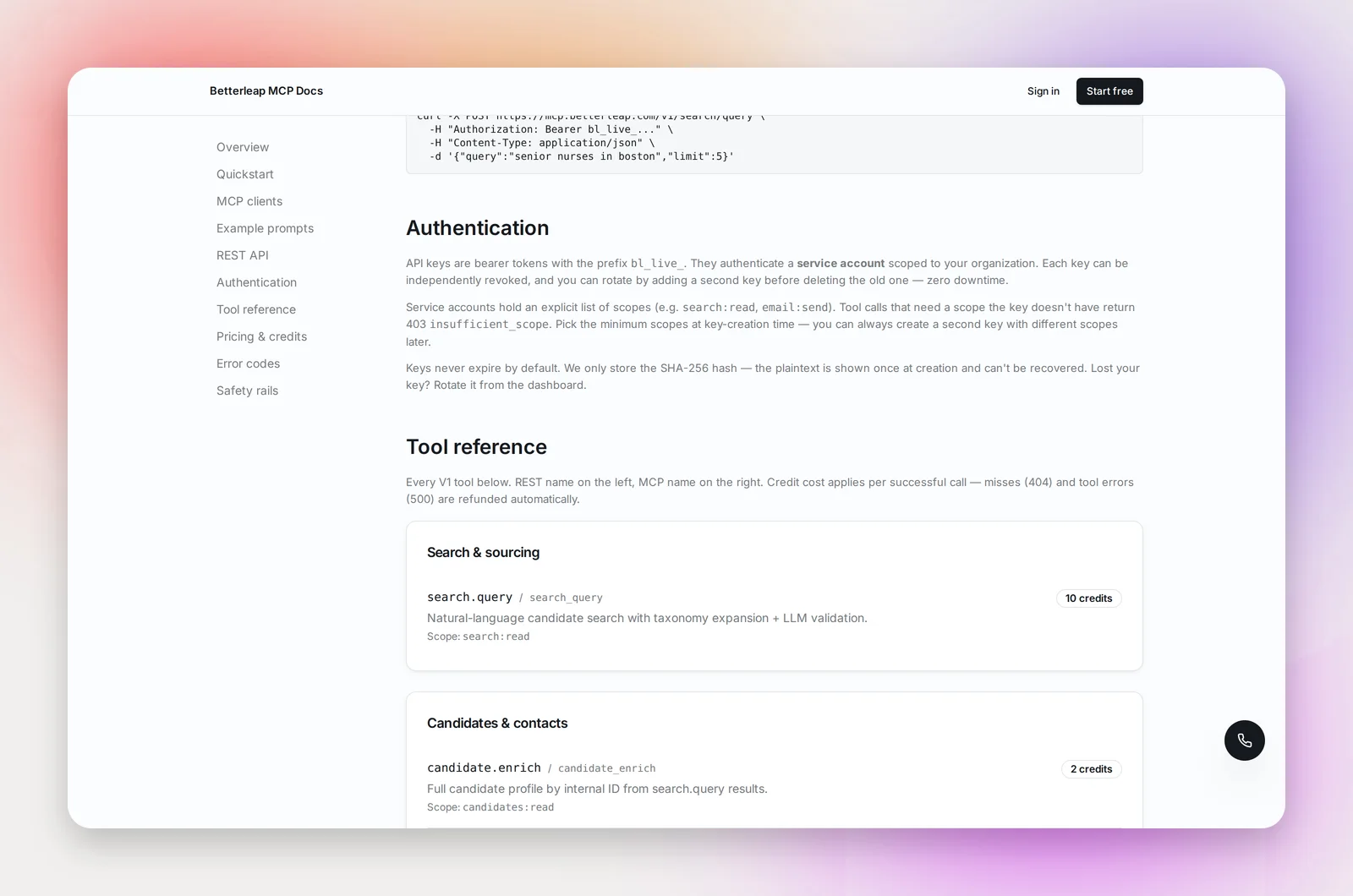
- search.query: a natural-language candidate search ("ICU nurses in Boston with 5+ years"). Returns matching candidates with internal IDs you pass to the other tools.
Candidates and contacts
- candidate.enrich: the full profile for a candidate ID from a search.
- contact.find: look a person up by email, LinkedIn URL or LinkedIn username.
- email.validate: check whether an email address is deliverable before you send.
Projects
- project.create: create an outreach project. New projects start in dry mode.
- project.list, project.get: read your organization's projects.
- project.add_candidates: add candidates by ID; duplicates are skipped automatically.
- project.import_contacts: add people from plain contact rows (email required; name, company and job title optional) for lists that aren't in Betterleap's index, up to 100 rows per call, with the same dedupe and email validation as the CSV importer. Pass
trust_emails: trueto skip validation. Free. - project.analytics: the funnel for a project: sourced, contacted, opened, replied, interested.
Sequences
- sequence.create: the email sequence for a project (one per project). Each step sends its
bodyas rich text (or raw HTML withbody_format: "html"), or, withmode: "html_blocks"and ablockspayload, a branded HTML email built from heading, text, image, button, banner and columns blocks (needs the HTML blocks editor enabled for your organization). - sequence.update: change an existing sequence's settings: recruiter and company name, business days, holidays, signature, start date.
- sequence.update_step, sequence.add_step, sequence.remove_step: edit, append or remove a step by its step number (from sequence.status). Timing edits re-schedule candidates already in the sequence; the last step can't be removed. A step's format (plain text or HTML blocks) can only change while the project is a draft; after launch its text can still be edited.
- sequence.add_attachment, sequence.remove_attachment: attach a file to a step (base64 in the call; up to 5 files, 2.5MB each, 5MB per step) or remove one. Attached files go out with every send of that step.
- sequence.launch: start sending; the recruiting agent takes it from there.
- sequence.status: the sequence's state and its ordered steps.
- sequence.pause, sequence.resume, sequence.stop: control sending. Stop is permanent.
- sequence.add_candidates: same as project.add_candidates.
Email and inbox
- email.send: send one email from a connected inbox. Defaults to a dry run; pass
dry_run: falseto deliver real mail. - inbox.list: the organization's connected inboxes.
Replies
- reply.list: replies received on outreach emails.
- reply.classify: the intent of a reply (interested, not interested, and so on).
Compliance
- suppression.add: add an email or domain to the do-not-contact list.
- suppression.check: whether an address is suppressed.
A typical run
search.queryfor the role → candidate IDs.candidate.enrichthe shortlist;email.validatethe addresses you'll use.project.create, thenproject.add_candidates.sequence.createwith the steps, thensequence.launchonce the project is out of dry mode.reply.listandreply.classifyon a schedule;project.analyticsfor reporting.
Tip: The read tools (list, get, status, inbox.list, reply.list, suppression.check) are free. Let your agent call them freely and reserve credits for search, enrichment, validation, classification and sends.
Frequently asked questions
Do the tools respect my do-not-contact list?
Yes. A send to a suppressed address is refused with a 409 "recipient_suppressed" before anything leaves the inbox.
Is the candidate data the same as in the app?
Yes, the same data as ai.betterleap.com.
Can I get custom tools or higher limits?
Contact [email protected]. Custom per-tool pricing and volume plans are available.