
Every client needs two things: the server URL shown on the Docs page of your MCP dashboard (it ends in /mcp) and an API key from Your MCP Account and API Keys. The key travels in a standard Authorization: Bearer bl_live_… header.
Claude Code
Add the server to your project's .mcp.json, or run claude mcp add-json betterleap '…' with the same JSON:
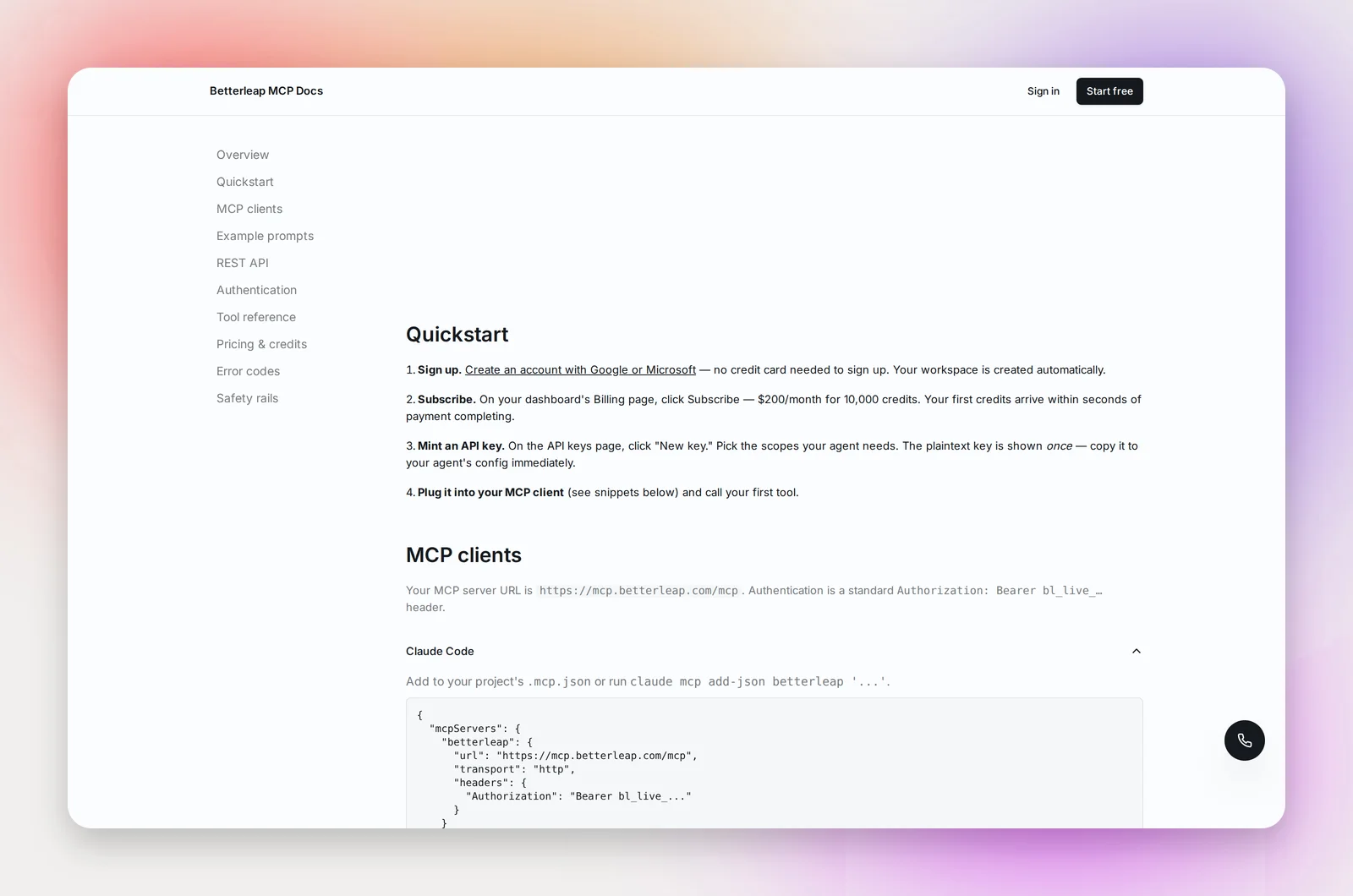
{
  "mcpServers": {
    "betterleap": {
      "url": "<server URL>/mcp",
      "transport": "http",
      "headers": { "Authorization": "Bearer bl_live_..." }
    }
  }
}
Restart the client and it lists all of Betterleap's tools.
Cursor
Settings → Features → MCP → Add new MCP server, or edit ~/.cursor/mcp.json directly. The JSON is the same as above with "type": "http" in place of "transport": "http".
Codex and Windsurf
Both accept the same HTTP-transport MCP config shape. Check the client's documentation for the exact file path; the JSON body is identical to the Claude Code example.
Without an MCP client
Two options, both documented with examples on the Docs page:
- JSON-RPC over HTTP. POST a
tools/callrequest to the/mcpURL with the tool name and its arguments. - REST. Every tool is also a plain endpoint at
/v1/, for example/ POST /v1/search/querywith a JSON body like{"query": "senior nurses in boston", "limit": 5}. Responses match the MCP tool outputs one to one.
Frequently asked questions
The client connects but shows no tools.
Check the URL ends in /mcp and that the header is Authorization: Bearer with the full key. A revoked or mistyped key returns a 401 "invalid_api_key".
Can I use one key from several clients?
Yes, though a key per agent is easier to revoke and to read in the usage tables.
Do calls from the client cost the same as REST calls?
Yes. Pricing is per tool, whichever way it's called. See MCP Credits, Plan and Billing.