
Outreach sends from your own mailbox, so your sending reputation is yours to protect. Three things matter most.
Volume
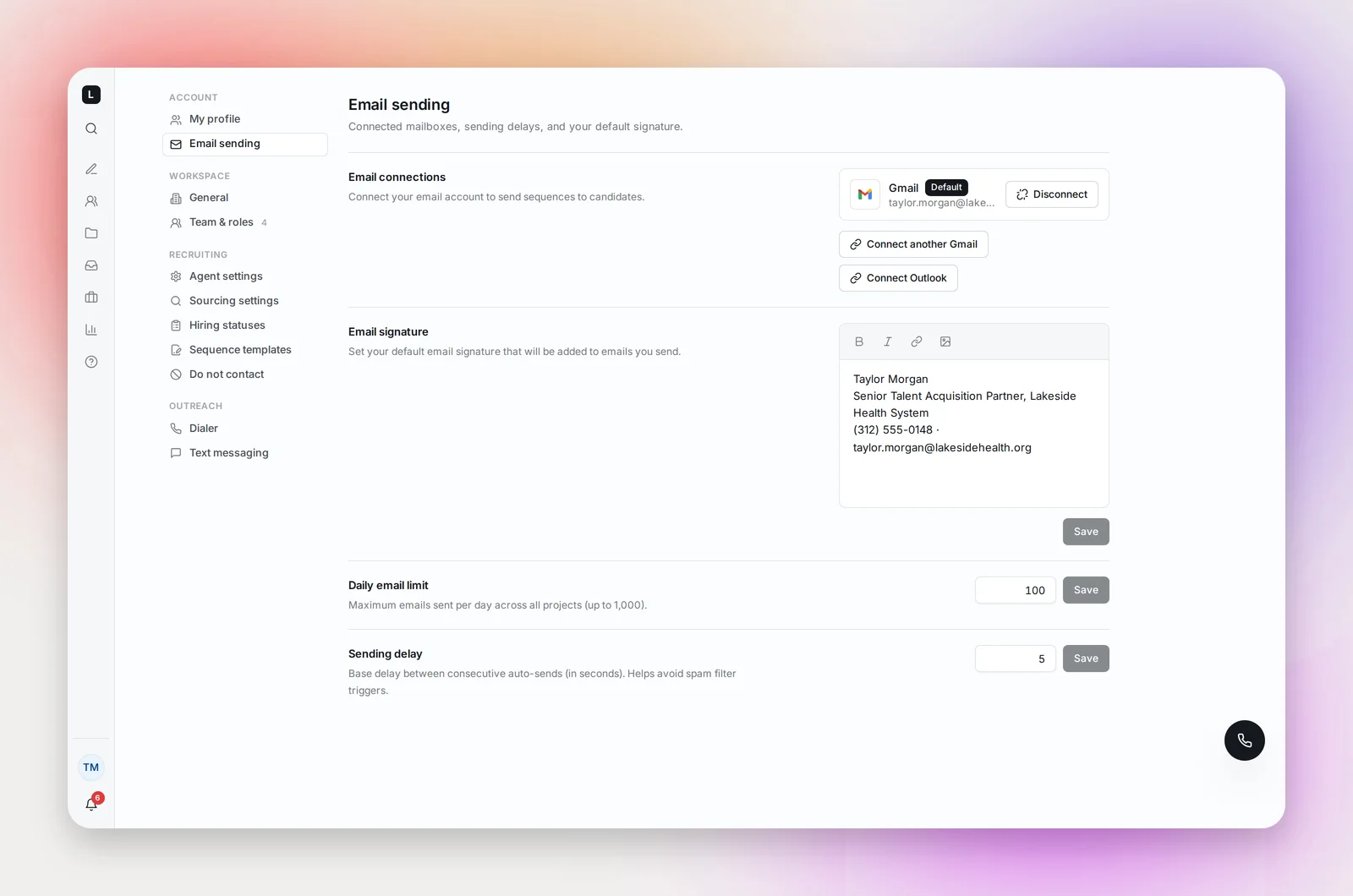
Daily email limit in Settings → Email sending caps your sends across all projects. The default is 100.
- An established work mailbox with normal daily use: 100 is fine.
- A new or rarely used mailbox: start at 20 to 30 a day for the first two weeks, then raise it in steps. Mail providers treat a sudden jump from a quiet mailbox as a warning sign.
Admins can also set a Sending delay between consecutive automatic sends so they don't leave as a burst.
Content
Plain text, short, specific, one link at most, no attachments in the first email. Avoid "free", "urgent", "act now" and all-caps subjects. Personalization variables help: identical emails to many recipients are what filters look for.
Hygiene
- Keep bounces low. Betterleap validates addresses before sending and stops after a bounce, but importing an old list with Trust these emails bypasses validation; only do that with lists you know are current.
- Honor opt-outs. The unsubscribe link is automatic; the Do Not Contact list handles requests that arrive other ways.
- Reply to replies. Conversations in a thread are the strongest positive signal a mailbox can send.
Frequently asked questions
What open rate should I expect?
Healthy healthcare outreach opens in the 40 to 60 percent range. Below 30 percent, look at subject lines first, then volume.
Should I connect my main work mailbox?
Yes. Connect the mailbox you use every day: it's the address candidates reply to, and a mailbox with normal daily activity delivers better than a fresh one created just for outreach.
Does Betterleap warm up my mailbox for me?
No. Warm-up is your daily limit, raised gradually. Start low and increase every few days while bounces and opens look healthy.