
With the dialer, calls to candidates happen in your browser, from a number that's yours, and every call is transcribed and summarized. It's available when your workspace has calling enabled.
Get a number
Settings → Dialer → Choose a number. Enter an Area code, click Search and select a number from the list. It becomes "Your assigned number": candidates see it when you call and can call it back. Release gives it up.
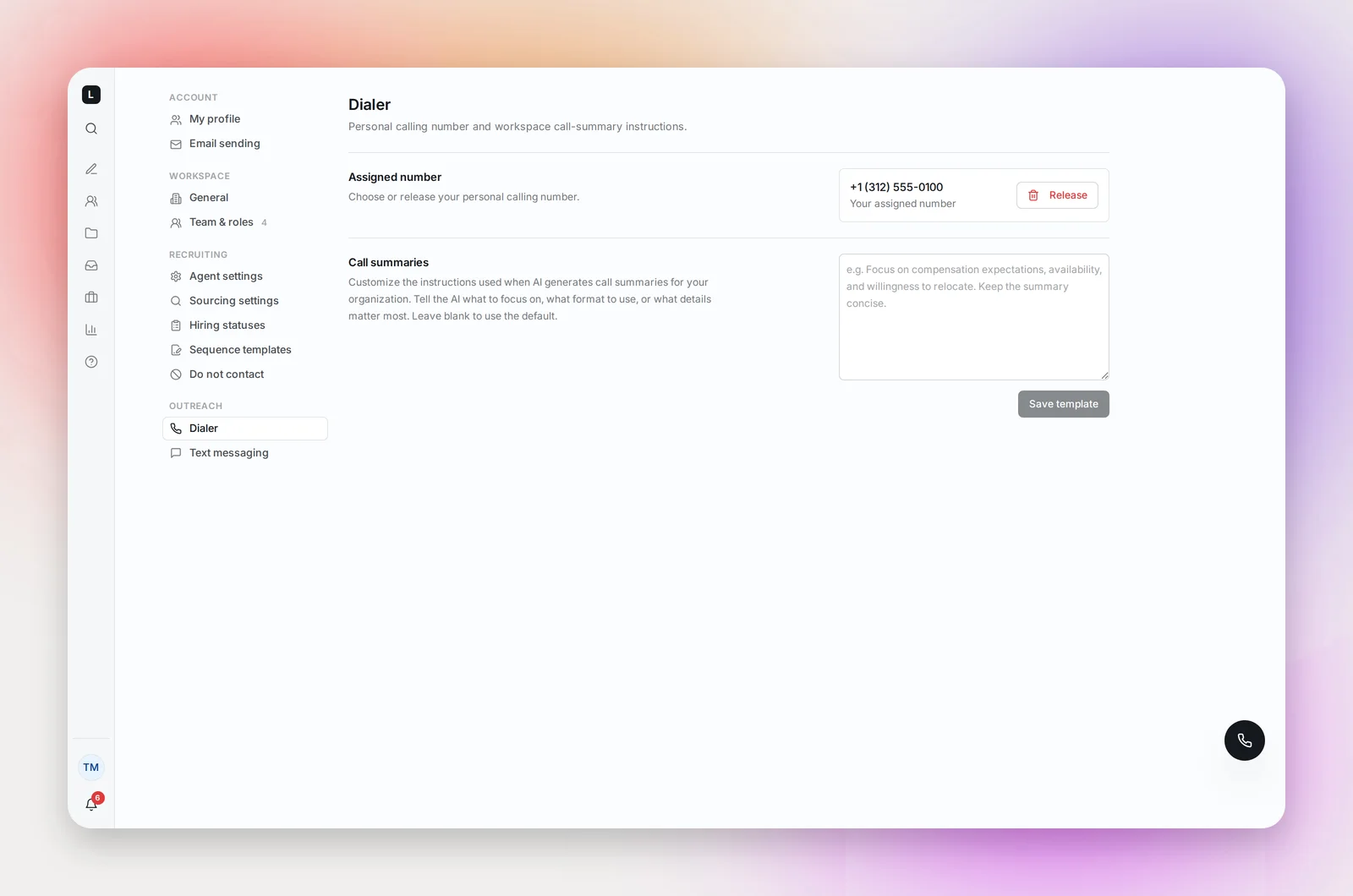
The same page has Call summaries, where you can tell the AI what to focus on in summaries for the whole workspace, for example "Focus on compensation expectations, availability and willingness to relocate." Leave it blank for the default.
Make a call
Click the floating phone button to open the dialer, type the number and click Call, or open a candidate and click the phone icon ("Call
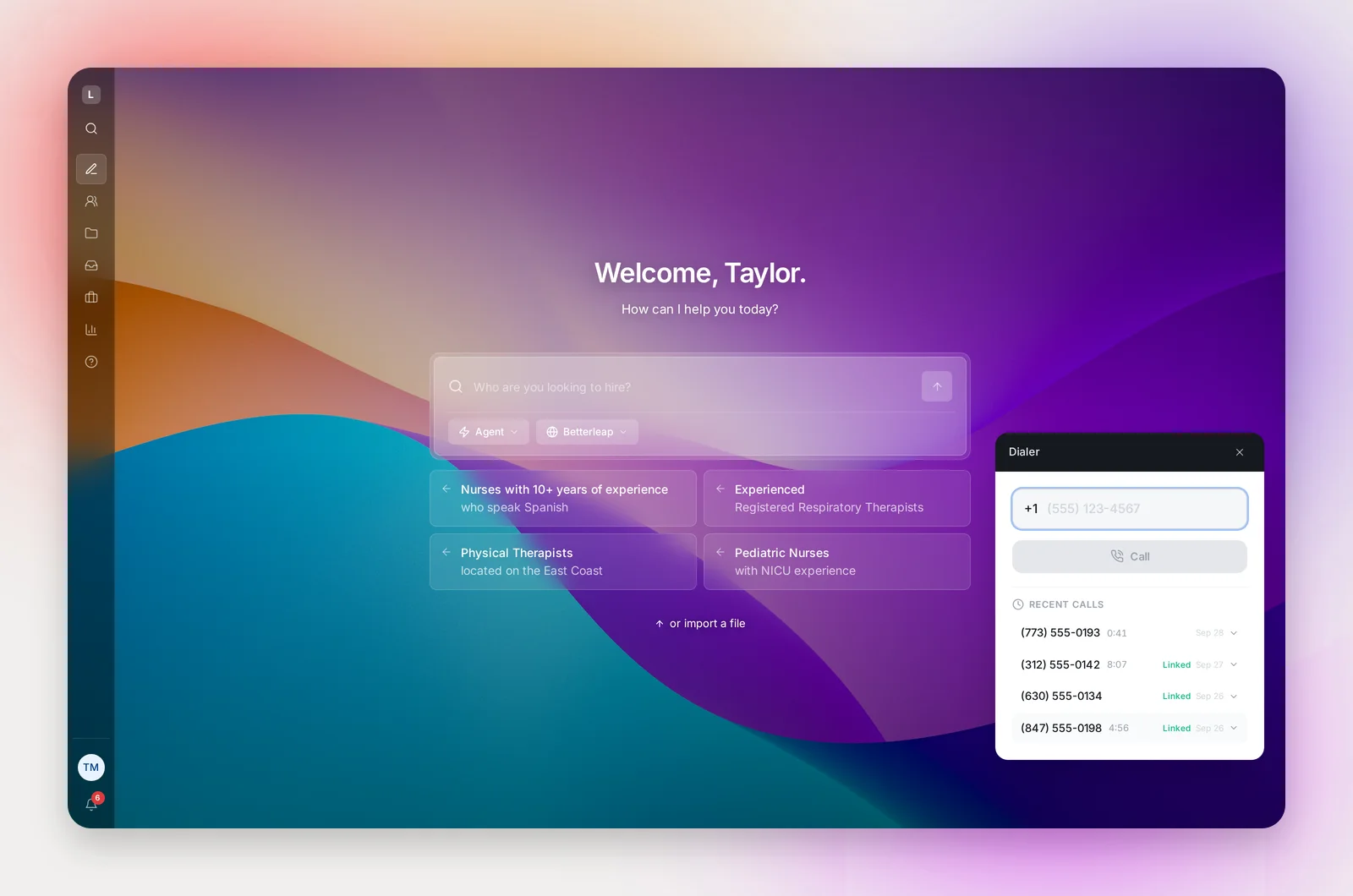
During the call you'll see Connecting, Ringing, Connected, a timer, Mute and End Call. You need a microphone and speakers or a headset; nothing to install.
Incoming calls to your number ring in the browser with Answer and Decline. If you don't pick up, the caller can leave a voicemail of up to two minutes, which is transcribed and appears in your Inbox with a notification.
After the call
The dialer shows "Generating AI summary…", then the summary, with Link to Candidate (if it isn't already), Close and Call Again. The full record lives in your Inbox: see Call History and AI Call Summaries.
Calls that aren't placed
The dialer refuses some calls and tells you why: outside 8am to 8pm in the candidate's local time, on a Sunday, when the candidate's time zone can't be determined, more than three attempts to the same person in 24 hours, a candidate who has opted out, or, where your workspace requires it, a candidate who hasn't opted in.
Frequently asked questions
Are calls recorded?
Calls are transcribed live; there's no audio recording of a call. Voicemails left for you are recorded and transcribed.
Can candidates text my number?
Text messaging is set up separately for a workspace. Ask your account manager if you'd like it.
Can I choose any area code?
Yes, as long as numbers are available in it. If a search comes back empty, try a nearby area code; the message suggests some.