
Creating your account
Open the MCP sign-in page and choose Sign in with Google or Sign in with Microsoft. Your workspace is created automatically; you'll see "Setting up your workspace…" for a moment, then the dashboard. No card is required to sign up. If you already have a Betterleap recruiting account, sign in with the same credentials and MCP is added to your existing organization.
The navigation has four pages: Dashboard, API keys, Billing and Docs.
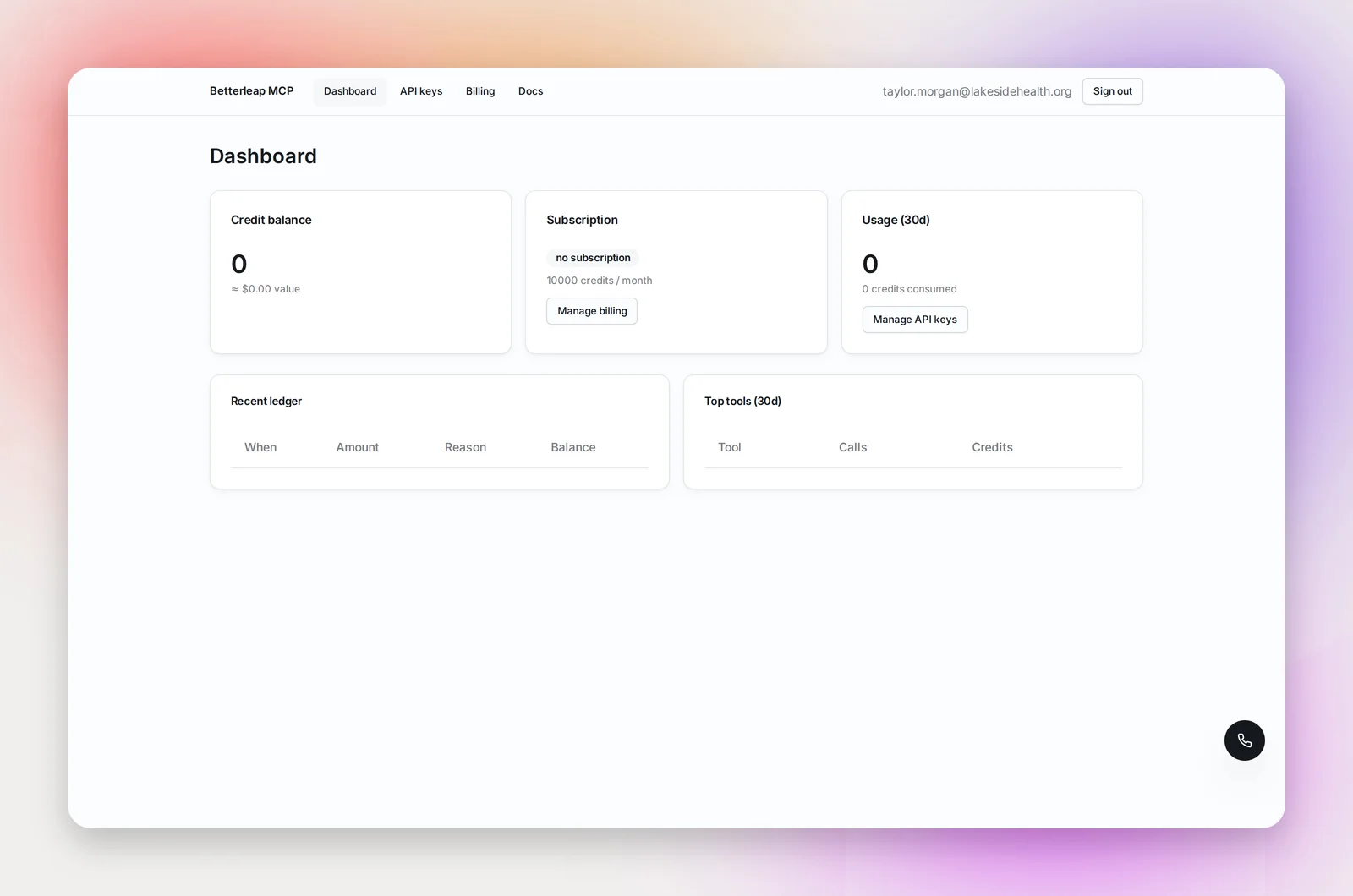
The dashboard
Three cards: your Credit balance (with its approximate dollar value at your rate), your Plan (Enterprise, its status and your rate per credit, with a View pricing button), and Usage (30d) (calls made and credits consumed, with a Manage API keys button). Below them, a Recent ledger of every credit movement and a Top tools table showing which tools your agents call most.
Creating an API key
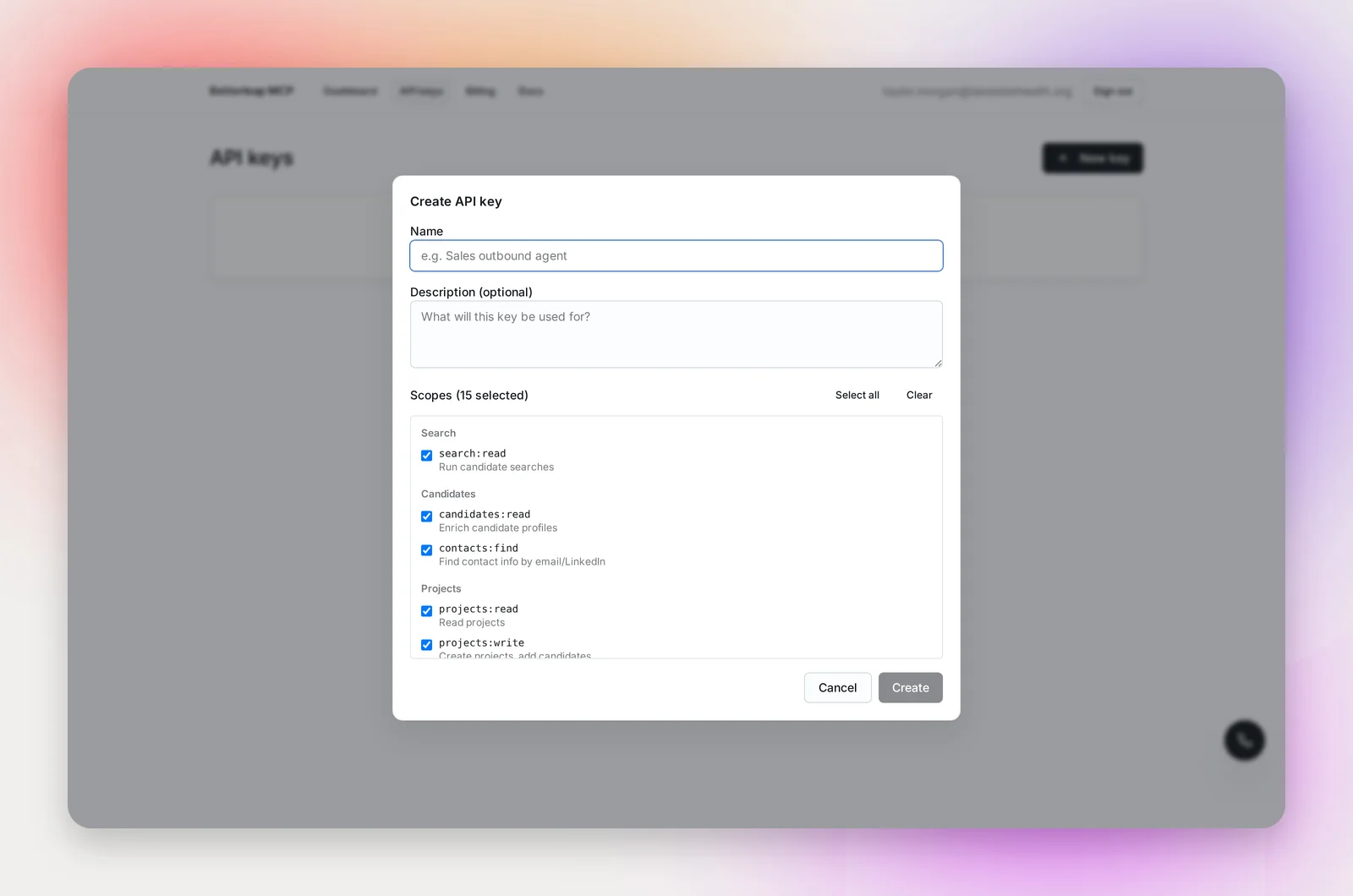
On API keys, click New key. Give it a name that says which agent will use it ("Sales outbound agent"), an optional description, and choose its scopes: the categories of tools the key is allowed to call, such as search, projects, or sending email. Everything is selected by default; clear what the agent doesn't need.
The key is shown once, in a dialog headed "Copy your new API key". Copy it straight into your agent's configuration. Betterleap keeps only a hash, so a lost key can't be recovered, only replaced.
Keys start with bl_live_ and never expire on their own.
Rotating and revoking
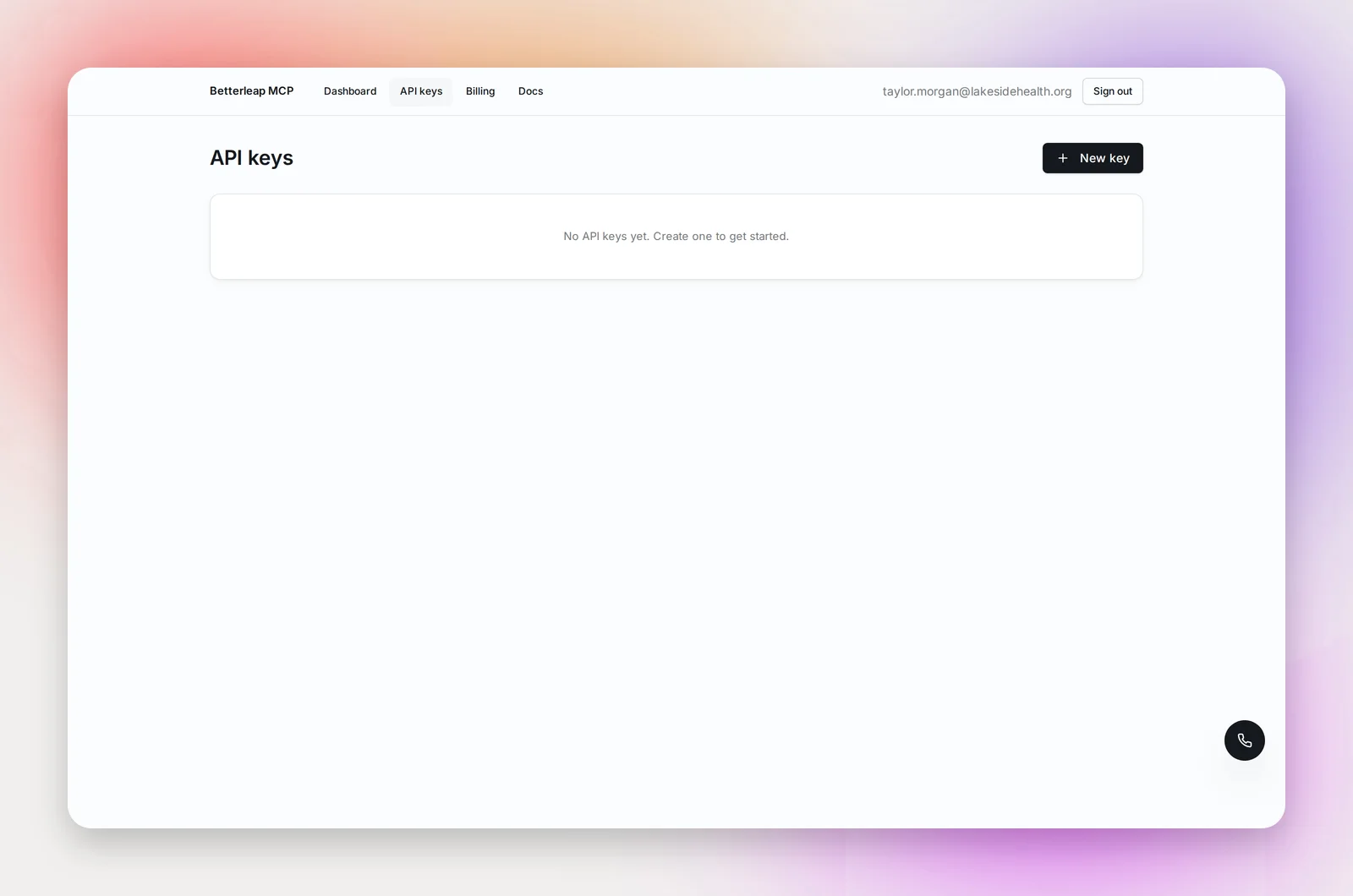
Each key card shows its scopes, when it was created, and a table of the active keys under it with prefix, created date, last used and status.
- Rotate adds a new key under the same name and scopes and shows it once. The old key keeps working until you revoke it, so you can update your agent first and switch over with no downtime.
- Revoke on a single key disables that key immediately. Revoke on the card disables every key under it; you're asked to confirm, and it can't be undone.
Frequently asked questions
What happens if my key is missing a scope?
The call is refused with a 403 "insufficient_scope" error that names the scope required. Create a new key with that scope, or rotate the existing one with a wider set.
Can several people share a workspace?
Yes. If your organization's email domain is registered with Betterleap, anyone who signs in with an address on it lands in the same MCP workspace and sees the same keys and balance. If it isn't, contact [email protected] to add teammates.
Can an agent authorize itself with OAuth instead of a key?
Clients that support it can send you to an authorization page listing, in plain English, what they'll be able to do ("Search your candidate index", "Send email from your connected inboxes"). Approve or deny there; tool calls are billed to your organization's credits either way.