
The Betterleap MCP Platform exposes the same search, enrichment and outreach infrastructure behind ai.betterleap.com as a set of tools an AI agent can call directly. Point an MCP client such as Claude Code, Cursor, Codex or Windsurf at our server with your API key, and the agent can search candidates, build projects and sequences, send email from your connected inboxes and read replies, all from a prompt.
Who it's for
Teams that already run their own agents or automations and want recruiting capabilities inside them, rather than a second app to switch to. Typical uses:
- "Find 20 ICU nurses in Boston, add them to a project and draft a three-step sequence."
- Enriching a candidate list from your own system with contact details and a validated email.
- Checking a list of addresses against your do-not-contact list before an outbound campaign.
If you recruit in the app day to day, you don't need MCP. It's a developer product with its own sign-in, workspace and billing.
How it fits together
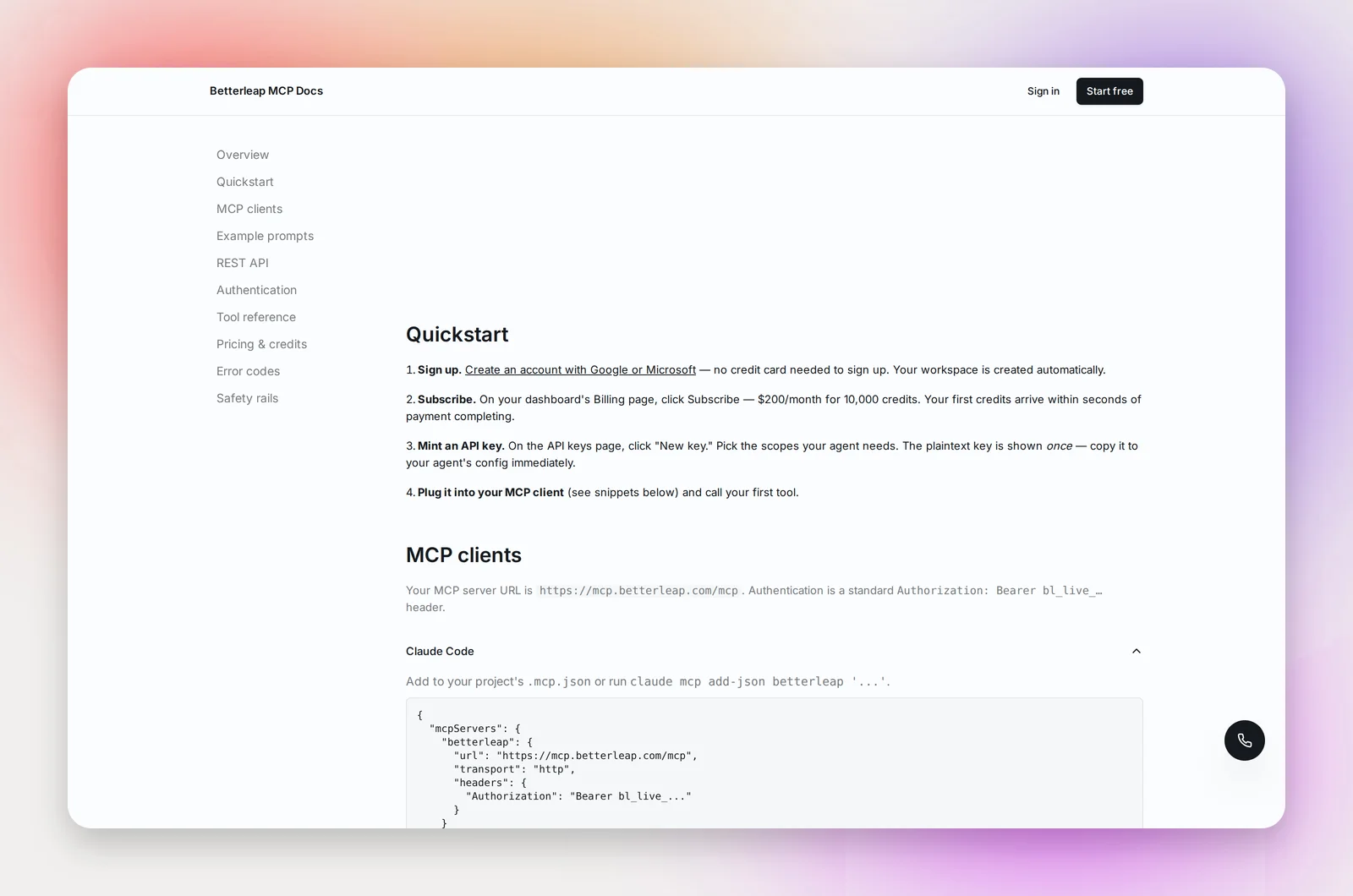
- Sign up with Google or Microsoft at the MCP sign-in page. A workspace is created for you; no card is needed to create the account. See Your MCP Account and API Keys.
- Activate your plan. MCP plans are enterprise agreements: contact sales ([email protected]) and we'll agree a per-credit rate and credit package, then switch access on for your workspace. Your exact pricing appears on your Billing page. See MCP Credits, Plan and Billing.
- Create an API key with the scopes your agent needs.
- Connect your MCP client with a few lines of config, or call the same tools as a plain REST API. See Connecting an MCP Client.
Every tool works with the same data you'd see in the app, and the platform is built dry-run first: projects start in dry mode and email sends default to a dry run, so a misconfigured agent can't email real candidates by accident.
Frequently asked questions
Is this the same as my Betterleap recruiting account?
It's a separate product. If you already have a Betterleap account, sign in with it and MCP is added to your existing organization, so your connected inboxes and do-not-contact list carry over.
Where do I find the full tool reference?
The developer docs, linked from the MCP dashboard, list every tool with its inputs, scopes and credit cost. The help articles here cover setup and the account side.
Do I need to know MCP to use it?
No. If your client supports MCP servers, it's a config snippet. If it doesn't, every tool is also a REST endpoint.