
Two pages under Recruiting in Settings shape who the agent contacts and how.
Agent settings
Cross-project contact rules controls what happens when a candidate the agent wants to source is already in an active sequence in another project in your workspace:
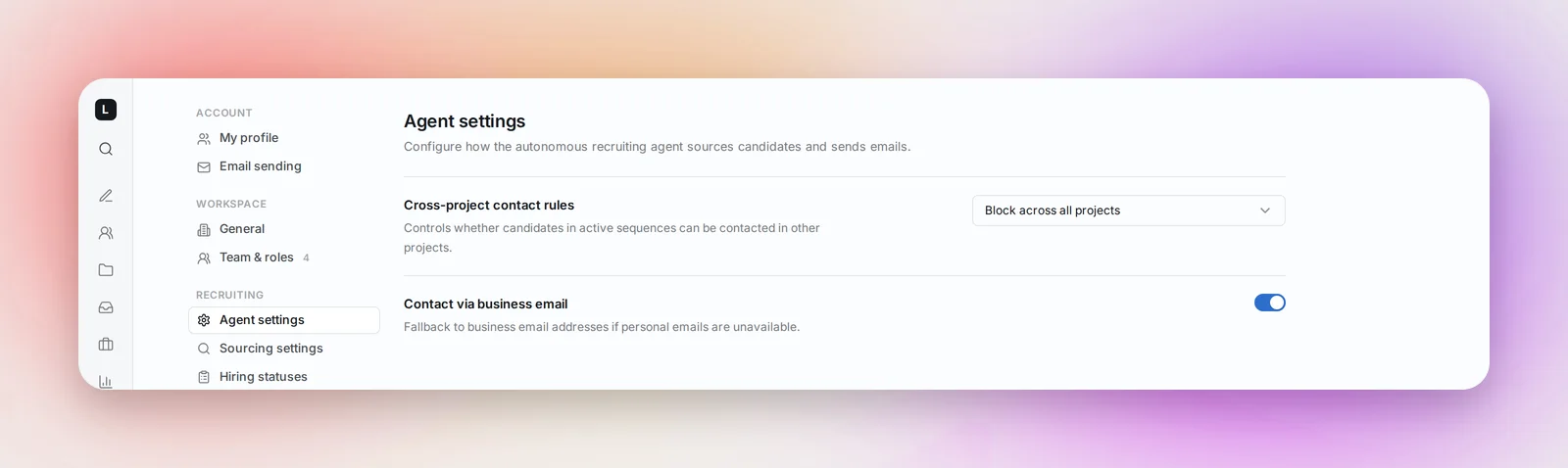
- Block across all projects: the candidate waits. One conversation at a time, workspace-wide: the second project's first email goes out once the first sequence has ended and, if you've set one, your Cool-off period has passed. This is the safer default for teams recruiting for similar roles.
- Allow in different projects: the candidate can be sourced and emailed by a second project. Choose this when your projects target clearly different roles or regions and a candidate could reasonably hear about both.
Either way, a candidate is never added twice to the same project.
Cool-off period, the row directly under the rule, is the number of days (0 to 365) a candidate stays out of other sequences after their last email or reply in a project. It only applies while you block across projects. See The Cool-off Period Between Sequences.
Contact via business email is a toggle. Off, the agent only emails personal addresses. On, it falls back to a business address when no personal one is available. Business addresses reach candidates at work, so many teams leave this off for currently employed clinicians.
Both settings save as soon as you change them and apply to every project in the workspace.
Sourcing settings
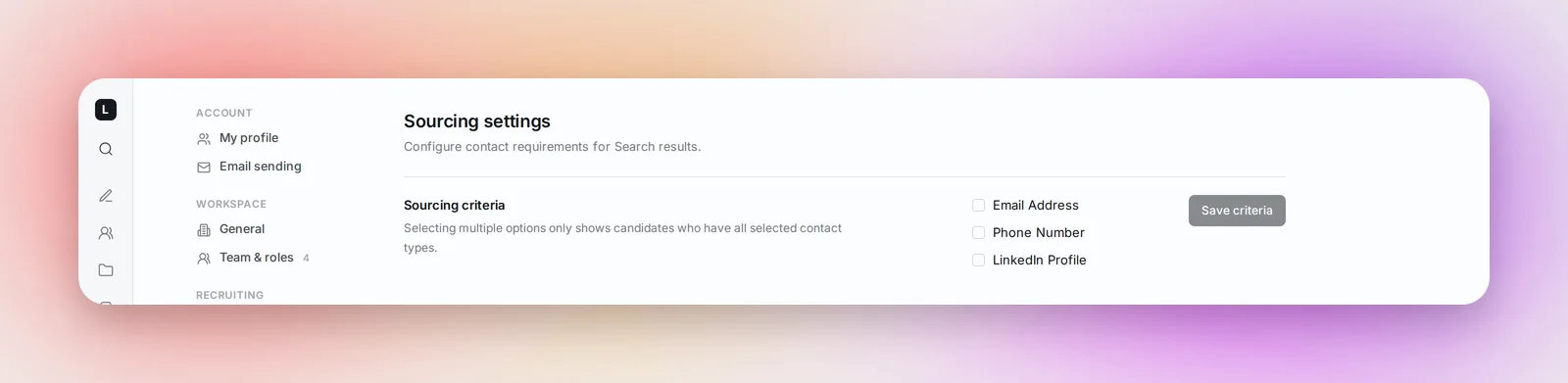
Sourcing criteria sets which contact details a candidate must have to appear in Search results: Email Address, Phone Number, LinkedIn Profile. Ticking more than one shows only candidates who have all of them. Leave all unticked to see everyone. Click Save criteria.
Frequently asked questions
Does "Block across all projects" affect candidates I add by hand or from a file?
The rule governs the agent's sourcing. When you add candidates yourself, Betterleap tells you instead: Search shows "In N projects" on the card, a file import lists duplicates for you to skip or keep, and Send First Step warns "Active Sequences Detected" with the project and recruiter before you send anyway.
What counts as an "active" sequence?
A candidate who still has steps to be sent. Once their sequence is complete, stopped, or they've replied, they're free to be sourced elsewhere.
Who can change these?
Anyone in the workspace can see the pages; the settings apply to the whole workspace, so agree on them as a team.