
A project holds one search, one sequence, and the candidates that came from them. Its page has five tabs: Overview, Candidates, Search, Sequence and Activity.
Agent and Manual projects
Chosen on the home screen and fixed for the life of the project:
- Agent: the agent sources candidates from your instructions and runs the outreach.
- Manual: you choose candidates, in Search or from a file, and the agent handles the outreach. In a Manual project the Search tab is where you run and save your own searches.
Each has its own article: Agent Projects and Manual Projects. Badges in the header tell you which you're looking at, along with Paused, Deleted, and, once launched, Supervised mode or Agent mode.
Launching
Launch on an agent project is a split button. The main part launches the full agent; the arrow offers both modes:
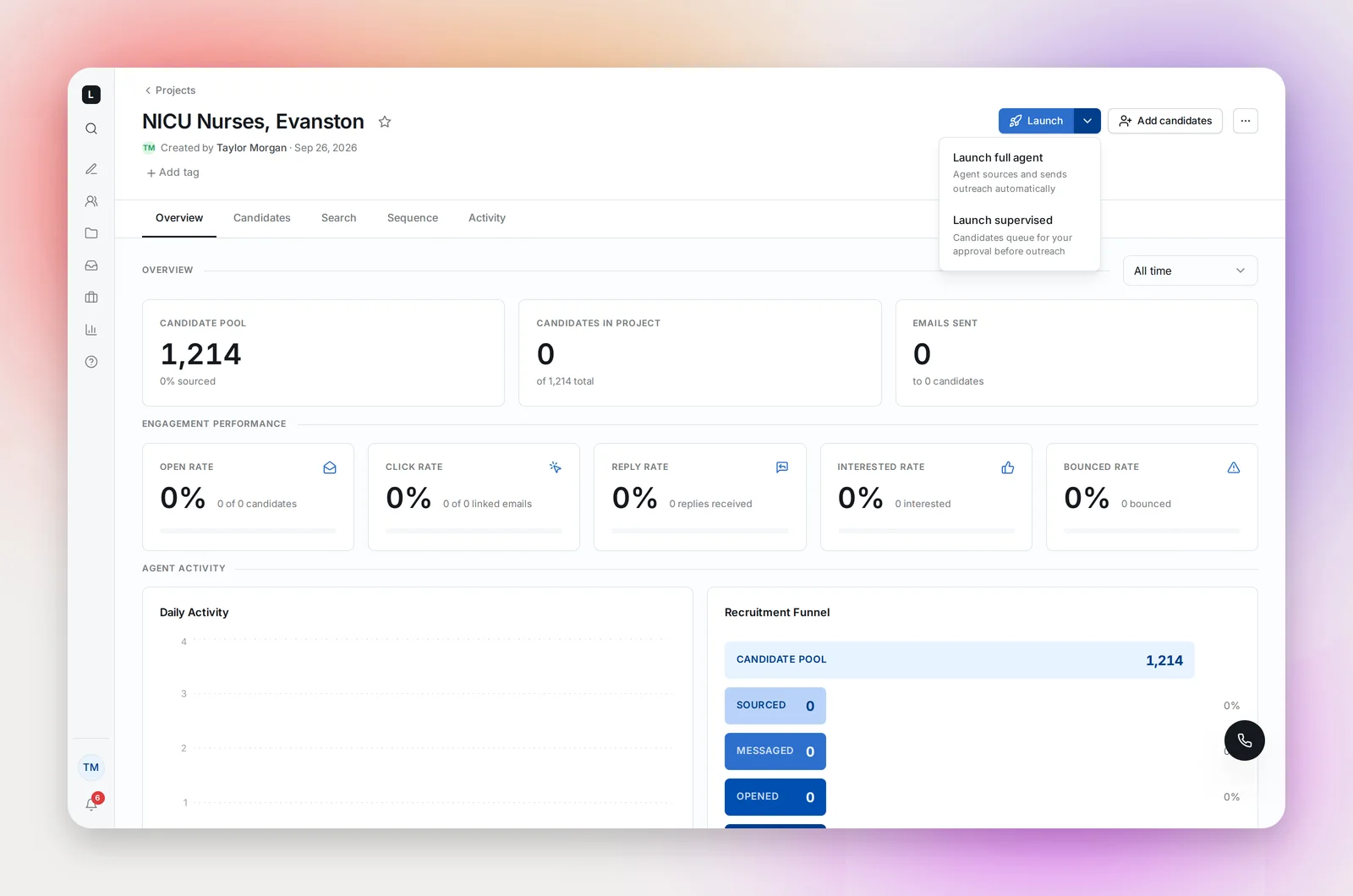
- Launch supervised: "Candidates queue for your approval before outreach." Sourced candidates appear on the Candidates tab as Needs Review; nothing sends until you approve them. Good for a new search or a sensitive role.
- Launch full agent: "Agent sources and sends outreach automatically." The agent approves for you.
A supervised project can be switched to full agent later, from the "More actions" menu ("Enable full agent") or from the prompt on the Candidates tab once you've reviewed the queue. Manual projects have a single Launch button and then wait for you to add candidates.
Launch is blocked, with a dialog telling you what to fix, if you haven't connected a mailbox, haven't created a sequence, or a step is missing its subject or body. It's also blocked if step 1's send-on date is already past: you'll see "Send-on date is in the past" and land on the Sequence tab to change it. See Sending a Sequence on a Future Date.
Pause, Resume, Delete, Restore
- Pause (header button, or the … menu) stops sourcing and sending. Candidates mid-sequence hold at their current step.
- Resume picks up where it left off. If the sequence was edited into an incomplete state you'll be asked to finish it first.
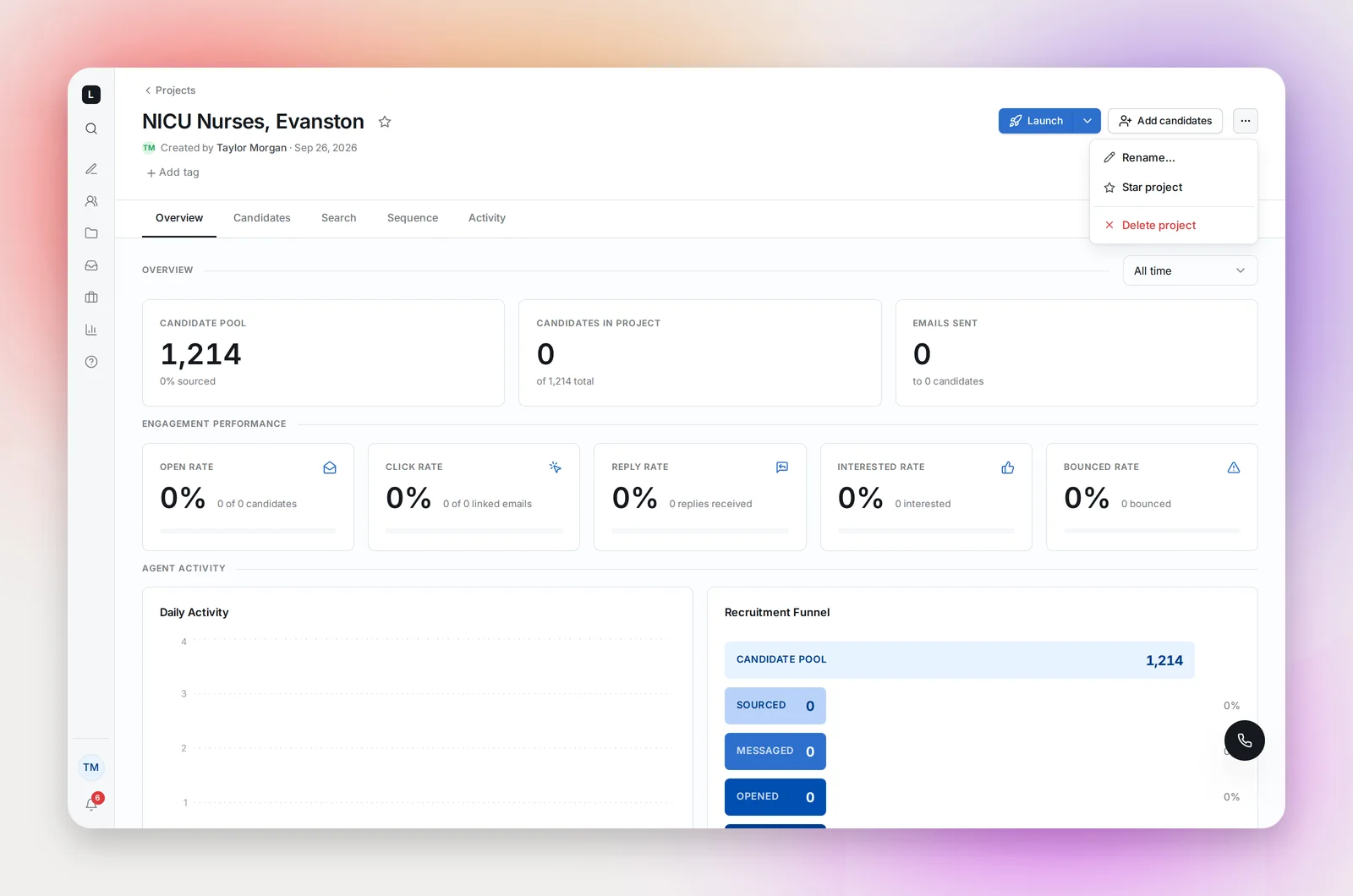
- Delete (… menu) asks you to confirm and moves the project to Deleted. Nothing is erased: the page shows a Restore project button, and the Projects page lists deleted projects under its Deleted tab. A restored project that had been launched comes back paused.
- The same menu holds Rename…, Duplicate project…, Star project, Pause project / Resume project, Enable full agent / Switch to supervised, and Delete project. Duplicate creates a draft copy with the sequence, search and tags, and optionally the candidates. See Duplicating a Project.
Frequently asked questions
Where do I set a project's sending window?
On the Sequence tab: step 1's Send at (a set time, immediately, or a future date), follow-up timing, and the weekend and holiday switches. Your time zone is in Settings. See Building a Sequence and Sending a Sequence on a Future Date.
Can I hand a project to a teammate?
Contact [email protected] to transfer ownership. The project arrives paused for the new owner, because outreach will send from their mailbox.