
Betterleap runs in the browser at ai.betterleap.com. There's nothing to install.
Signing in
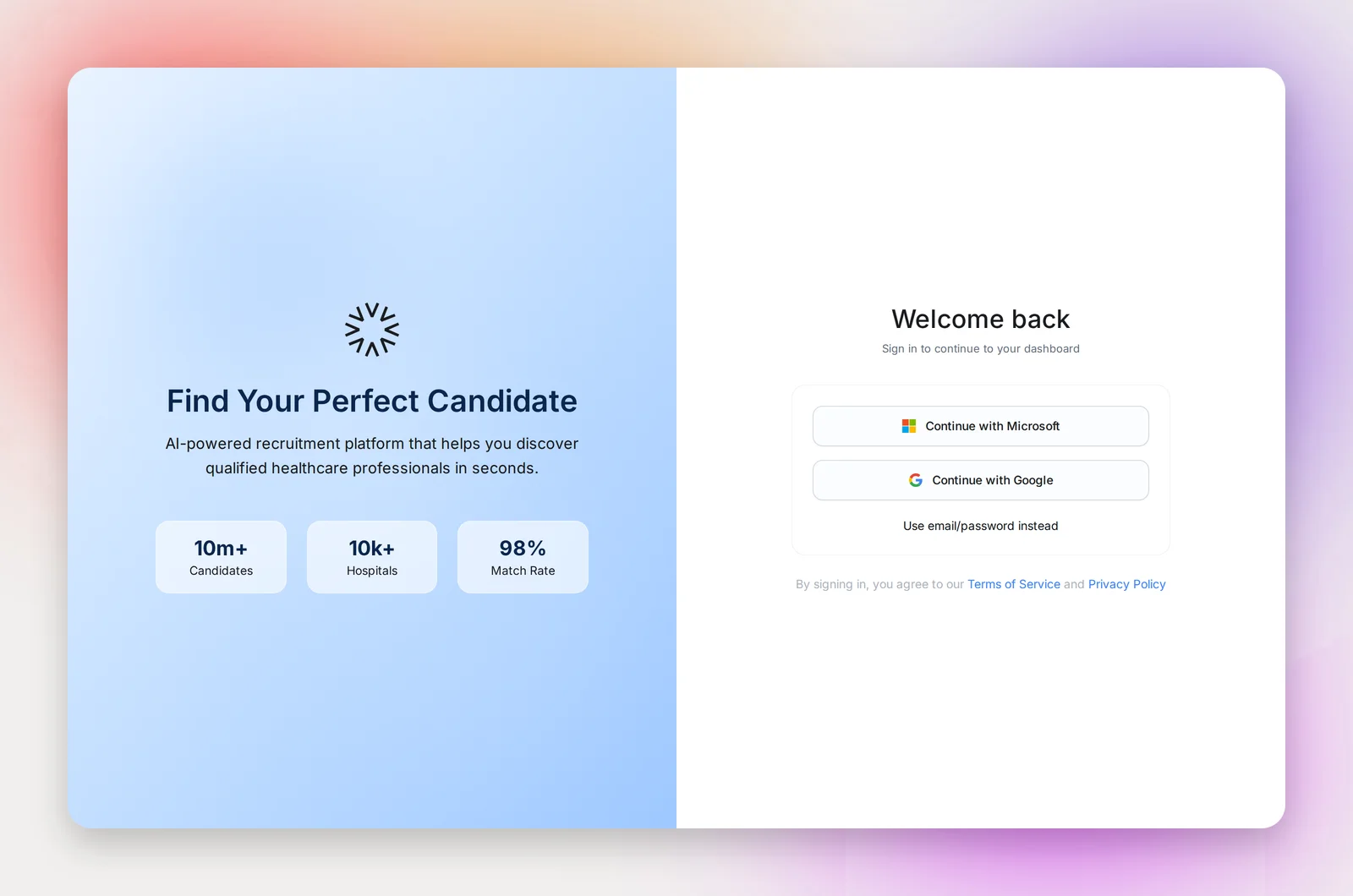
On the sign-in page choose Continue with Google or Continue with Microsoft, or click "Use email/password instead" to sign in with an email address and a password of at least 12 characters. Use your work email: that's what places you in the right workspace.
Joining your organization
If you have a seat on Betterleap, there's no invitation to wait for. Go to ai.betterleap.com/login, sign in with your work email, and you land in your organization's workspace. Your seat is arranged by your admin with your Betterleap account manager, and your work email domain is linked to the workspace, so the login simply works.
You start as a Recruiter. Your admin can change your role or put you on a team from Settings → Team & roles.
"Your account is pending approval"
If you see "Thank You for Signing Up" with "Your account is pending approval", your login isn't linked to a workspace yet: either your organization's setup isn't complete, or you signed in with an address that isn't on your workspace's domain. Check with your admin that you have a seat, or email [email protected] with the address you used, and we'll sort it out.
First steps once you're in
- Open Settings → Email sending and connect the mailbox you'll send outreach from. Nothing sends until you do.
- Fill in your job title and phone on My profile so they appear in your emails.
- Start your first project from the home screen: see Your First Project from a Prompt.
Frequently asked questions
I signed in with my personal Gmail by mistake.
Sign out (the button is at the top of My profile in Settings) and sign in again with your work address.
Do I need an invitation email?
No. If your admin has arranged a seat for you, signing in with your work email is enough.
Can I be in two organizations?
An account belongs to one workspace. If you work with two organizations, use a separate work email for each.
Does signing in with Google also connect my Gmail for sending?
No. Sign-in and sending are separate. Connect the mailbox under Settings → Email sending; it can be the same account.