
Betterleap is a recruiting agent for healthcare. You describe who you need to hire, in plain language, and the agent finds matching clinicians, writes a personalized email sequence, sends it from your own mailbox, follows up, and hands you the replies. Everything is organized in projects, one per role.
How a project works
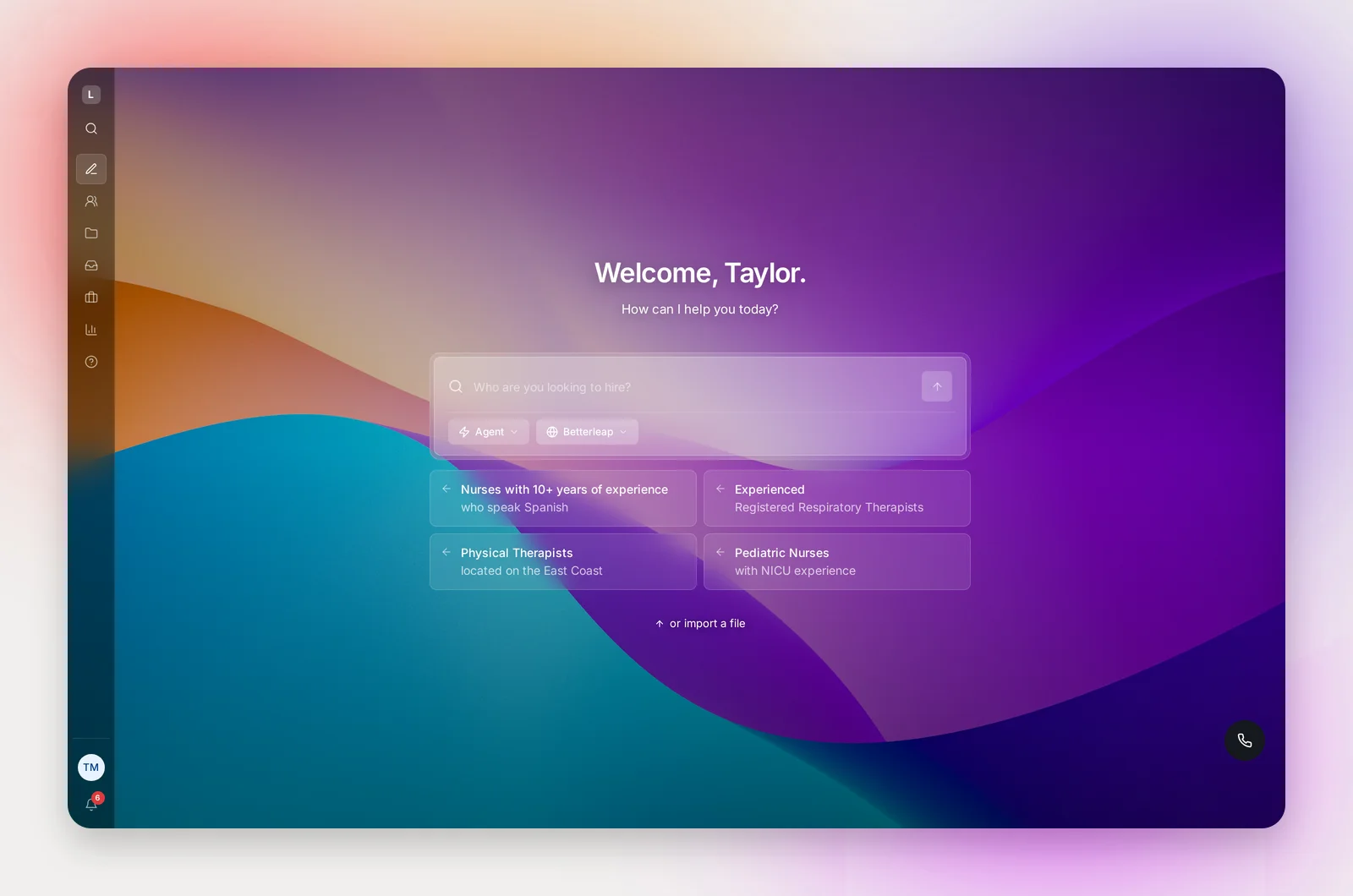
- Describe the role on the home screen: "ICU nurses in Los Angeles with 5+ years and BLS". The agent turns it into search instructions and shows a preview of matching candidates.
- Review the sequence it wrote: an initial email and the follow-ups it judged right for this search, with your name, title and phone filled in. Edit anything, or apply one of your team's templates.
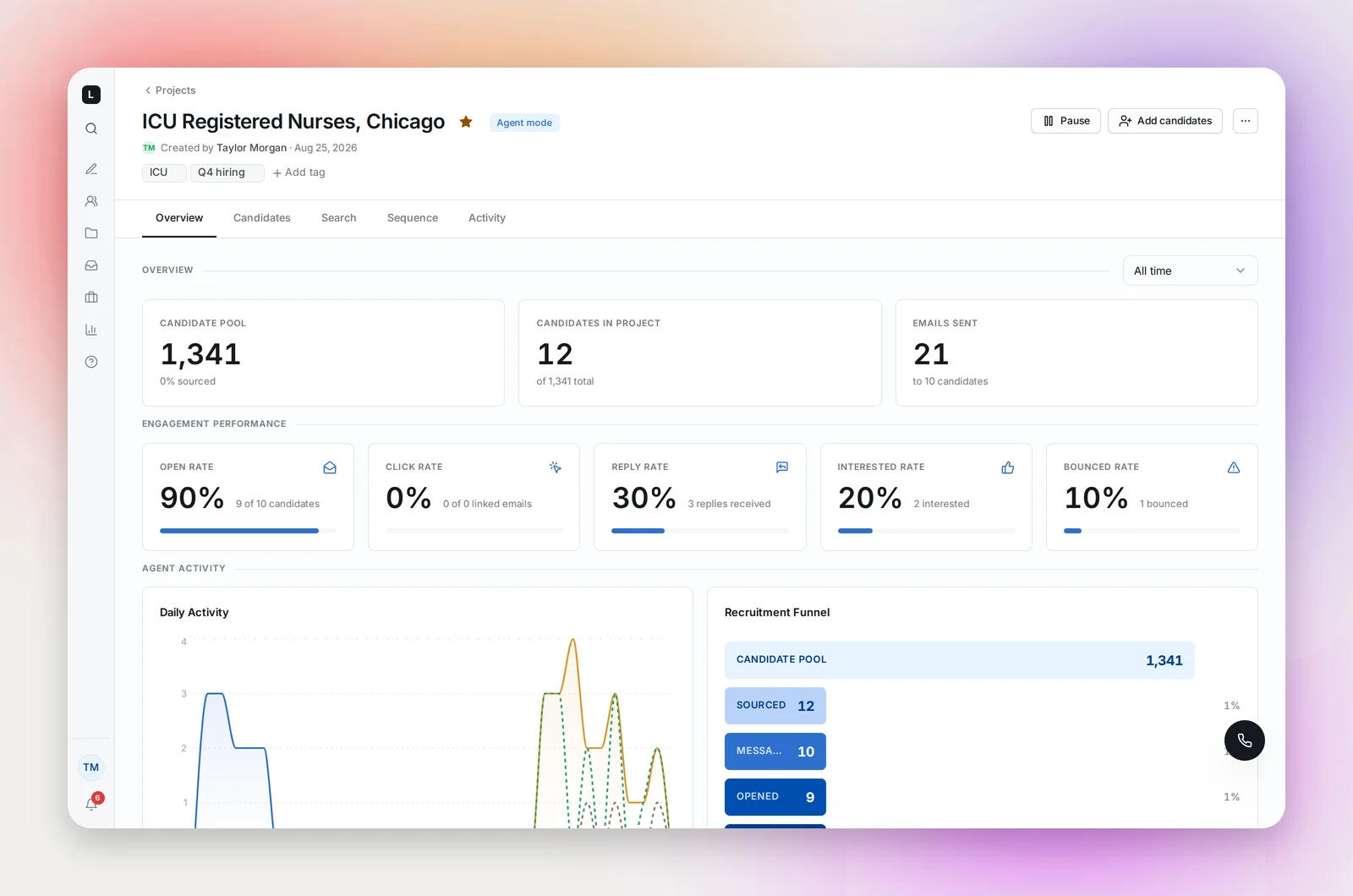
- Launch. In Supervised mode candidates queue for your approval before any email goes out; in Full agent mode the agent sources and sends on its own. Manual projects skip sourcing: you pick candidates in Search, as many searches as you like, and the agent handles the outreach. See Agent Projects and Manual Projects.
- Work the replies. Replies land in your mailbox and in the project. A reply pauses that candidate's follow-ups; an unsubscribe stops them for good. Hiring statuses track who's at phone screen, onsite, offer.
Set up before you launch
- Connect a mailbox under Settings → Email sending. Outreach sends from your Gmail or Outlook, never from a Betterleap address, so nothing goes out until a mailbox is connected.
- Fill in your profile: job title and phone appear in your emails as personalization variables.
- Set your daily email limit (default 100) and, if your mailbox is new, start lower. See Deliverability Basics.
Optional, and worth doing in week one: add your team's hiring statuses, put competitor and client domains on the Do Not Contact list, and save your first good sequence as a template.
Where things are
The sidebar has New project, Search, Projects, Inbox (calls and texts), Jobs, and Insights for admins. Click your name at the bottom of the sidebar for Settings, Help Center and Sign out. Press ⌘K (Ctrl+K on Windows) to jump anywhere or find a project by name. See Navigating the App.
Frequently asked questions
Which browsers work?
Any current browser. Chrome, Edge, Safari and Firefox are all fine; Chrome is what we test most.
Can I use it on my phone?
The app is responsive, so reviewing candidates and replies on a phone works. Building sequences and running Search is easier on a laptop.
Where do candidates come from?
From Betterleap's database of healthcare professionals, from your own ATS if it's connected (see What Talent Rediscovery Is and Getting Connected), from partner sources set up for your workspace, and from files you import.
Who sees my projects?
Everyone in your workspace can open any project from the Projects page. Outreach always sends from the project owner's mailbox.